
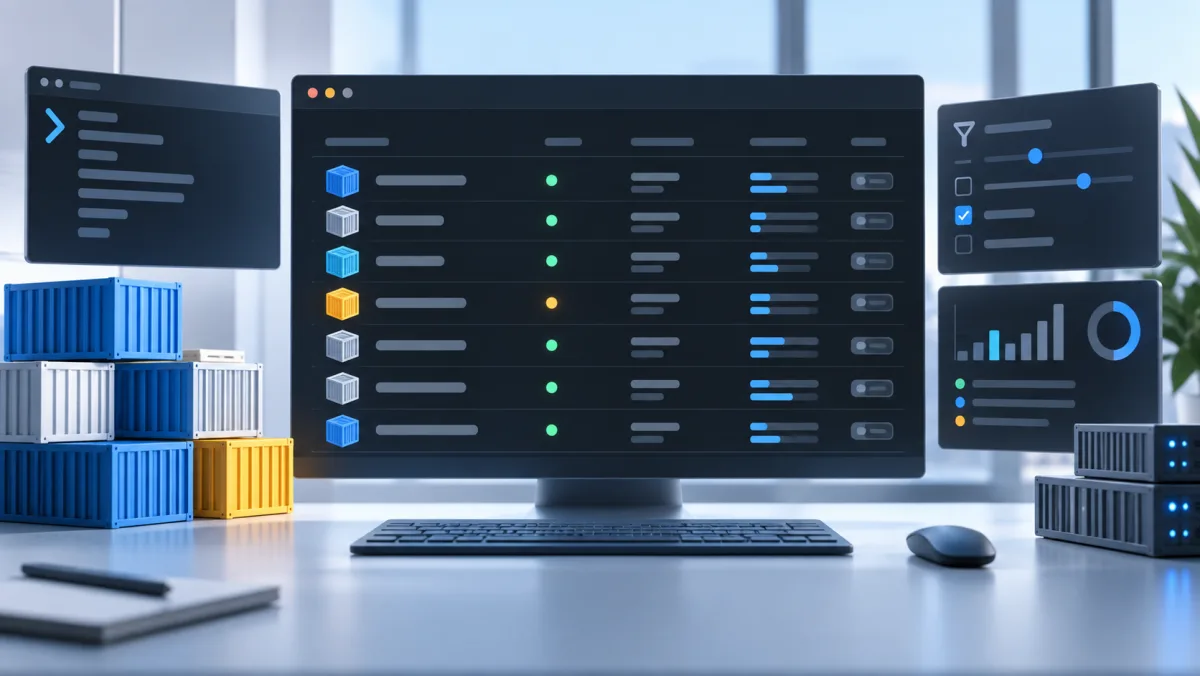
The default docker ps table includes fields I rarely need during normal development. I usually want three answers: what is running, is it healthy, and where is it listening.
Set Docker’s default psFormat in ~/.docker/config.json:
{
  "psFormat": "table {{.Names}}\t{{.Status}}\t{{.Ports}}"
}
If that file already contains settings, add the psFormat property instead of replacing the file. The next docker ps should look like this:
NAMES             STATUS                 PORTS
billing-db-1      Up 3 hours (healthy)   0.0.0.0:5432->5432/tcp
billing-cache-1   Up 3 hours             0.0.0.0:6379->6379/tcp
billing-api-1     Up 3 hours             0.0.0.0:3000->3000/tcp
For a one-off view that leaves the global setting alone:
docker ps --format 'table {{.Names}}\t{{.Status}}\t{{.Ports}}'And when the ID, image, or complete command matters, ask for it explicitly:
docker ps --no-trunc
docker inspect billing-api-1
Use names that carry context
Names are easier to use safely than abbreviated IDs:
docker run --name local-redis -p 6379:6379 redis:7
docker logs -f local-redis
docker stop local-redis
For Compose, a project name provides a useful namespace:
COMPOSE_PROJECT_NAME=billing docker compose up -dThat produces names such as billing-api-1 and billing-db-1. Avoid forcing container_name in a reusable Compose file unless there is a specific reason; fixed names can prevent scaling and cause collisions between projects.
Filter before scanning
Docker’s filters are useful when the machine has more than one stack:
docker ps --filter 'name=billing'
docker ps --filter 'health=unhealthy'
docker ps -a --filter 'status=exited'
Inside a Compose project, prefer its project-aware commands:
docker compose ps
docker compose logs -f api
docker compose exec api sh
docker compose restart api
Plain docker commands are useful across the whole host. Compose commands are clearer when one application is the boundary.
Clean up with a known scope
Inspect usage before deleting anything:
docker system df
docker ps -a
Then prune the resource type you actually intend to remove:
docker container prune
docker image prune
docker volume prune can remove unused volumes that contain data, and docker system prune -a --volumes has an even broader scope. Read Docker’s candidate list and understand what each project still needs before confirming either command.
A useful default view does not remove information. It puts the common operational questions first and leaves the detailed commands available when they are needed.